

Start where you are
Bring the records you already keep. Nothing is ripped out on day one, and your crews keep the benches, the routes, and the workflow names they already know.
Shop work , slide 1 of 2
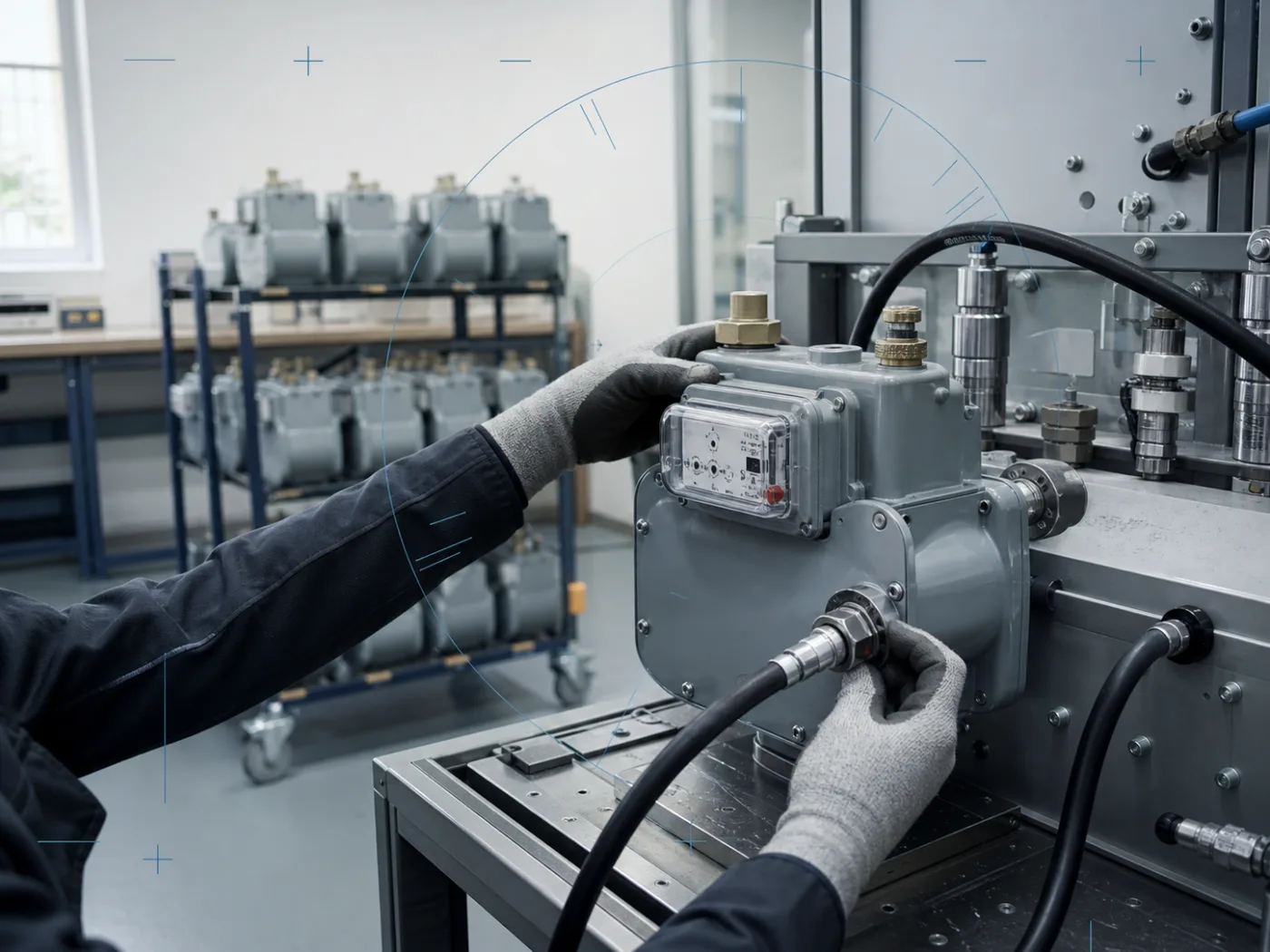
Receiving, batch intake, bench test, repair, certification, and shipping stay on one record. Your shop can pull up any meter that came through the door and show its whole history.
Why now
Hosted, backed up, and updated for you. A small shop gets the same record, the same reporting, and the same audit trail a large one runs on, without hiring anyone to keep it alive.
Bring the records you already keep. Nothing is ripped out on day one, and your crews keep the benches, the routes, and the workflow names they already know.
The platform is hosted and updated for you. No upgrade weekend, no box under a desk, nobody on staff whose job is keeping it running.
Records sit on a secure cloud foundation that follows industry practice, so “how do you store this?” has a straight answer instead of a filing cabinet.
Office, shop floor, and field crews work the same record, so nobody spends month end reconciling a spreadsheet against a logbook.
Going digital does not have to mean going all at once. Most shops start with one workflow and add the next once the first is running.
How it works
Three moves. The record is created once and never retyped.
Technicians record the meter set, the exception, and the close-out on the work order itself. Validation runs before the order can be submitted.
Shop crews, routes, and yards all work the same record. Batch intake through shipping stays on a single trail your shop can pull up in seconds.
Validated data goes out on the back sheet the utility expects, and the customer portal shows them the same record you are holding.
Capabilities
Two capabilities carry the platform. These are the parts your shop touches daily.
Bench results land in the record after technician validation, one data entry per meter, until the batch is complete.
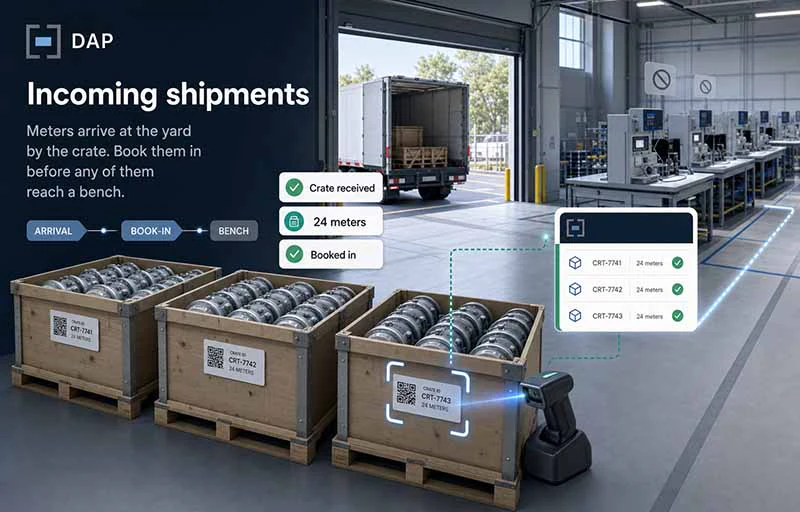
Book meters in as they arrive and reconcile the count against the manifest.
Follow a batch from intake through test, repair, certification, and shipping.
Assign, track, and close work orders across crews without a paper back sheet.
High bill, condemned, and sample orders route to the workflow that fits them.
Your utility sees validated completions, leak reports, and custom reports directly.
Bring existing records across and keep the benches and processes your crews know.
ReceivingNew
Meters arrive at the yard by the crate. Book them in before any of them reach a bench.
Closes the gap between the loading dock and batch intake, so a meter is on the record from the moment the crate is opened.
Shop Work
From batch intake to shipping, every meter test sits in one record.
In Test, Out Test, Shelf Life, High Bill, Sample, Condemned. Custom workflows can be built for any company.
Field Service orders
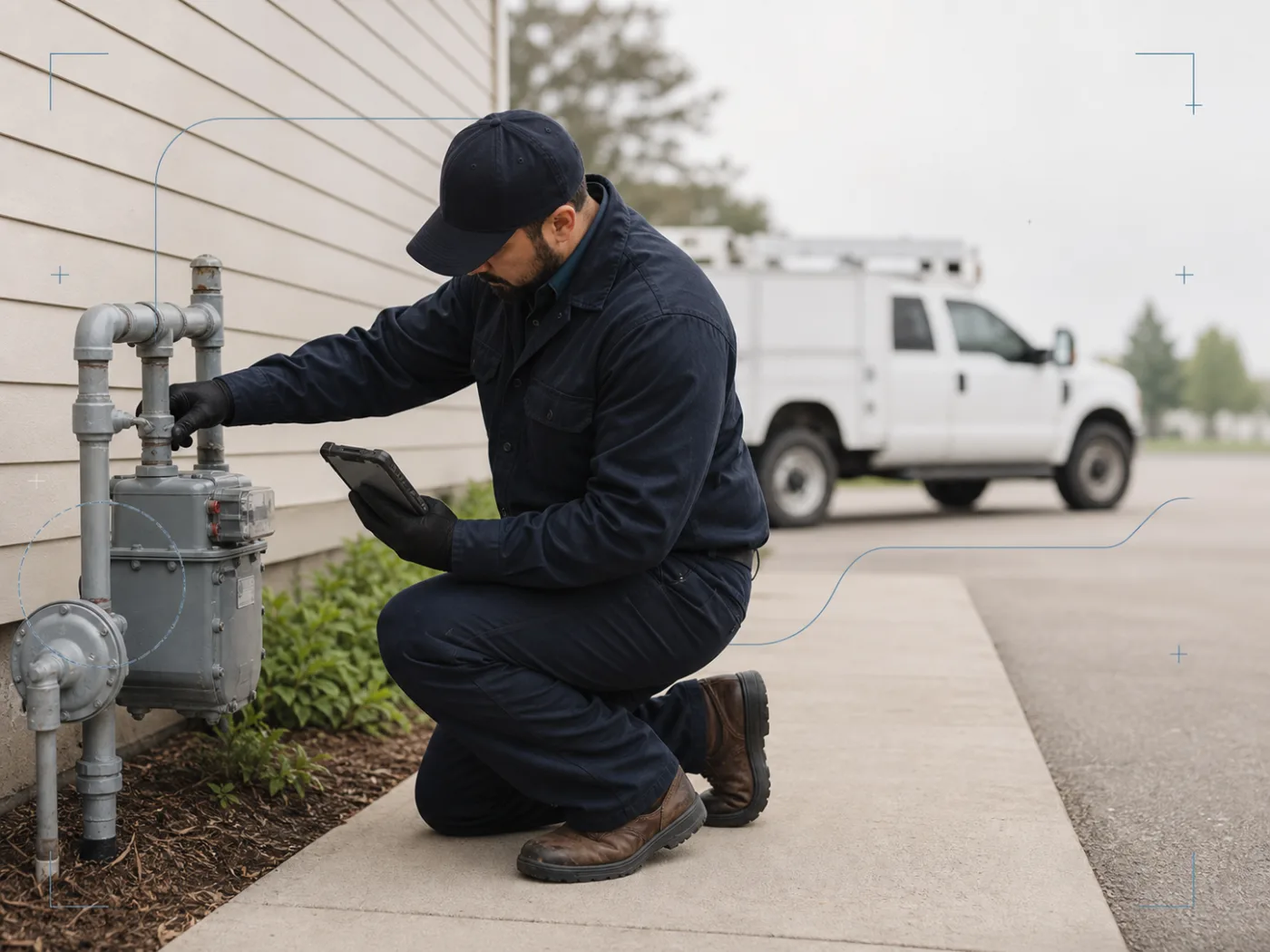
Built for the technician holding the phone, not the office holding the spreadsheet.
TECO Peoples Gas System (TECO PGS) and Florida Public Utilities (FPU) are supported today, and we can support any company.
Integrations
The platform meets the work and the paperwork you already have, on both sides of the operation.
From the loading dock to the bench to the shipping pallet.
Built for the phone or tablet a technician already carries.
The format your customer expects, without a re-key.
Running something that is not listed? Send us the format your utility expects and we will tell you what it takes to support it.
For utilities
You issue the work and your ERP stays the system of record. The crews doing it work in D.A.P. rather than the field app, so the meter set, the exception, and the close-out are checked before an order can be submitted. What comes back is complete and in your format. Nothing to rip out, nothing for your team to learn.
The field app was built around the ERP screen, not around a technician standing at a meter set in the rain, and incomplete orders are what your office pays for later. D.A.P. validates the order in the field, so what reaches your ERP is finished the first time.
A capital program and a day of route work travel the same path, so contractor progress reads the same either way, on the same record, in the system you already run.
Customer portal
Validated data, available to your customer as it is processed. No export, no email attachment, no version drift.
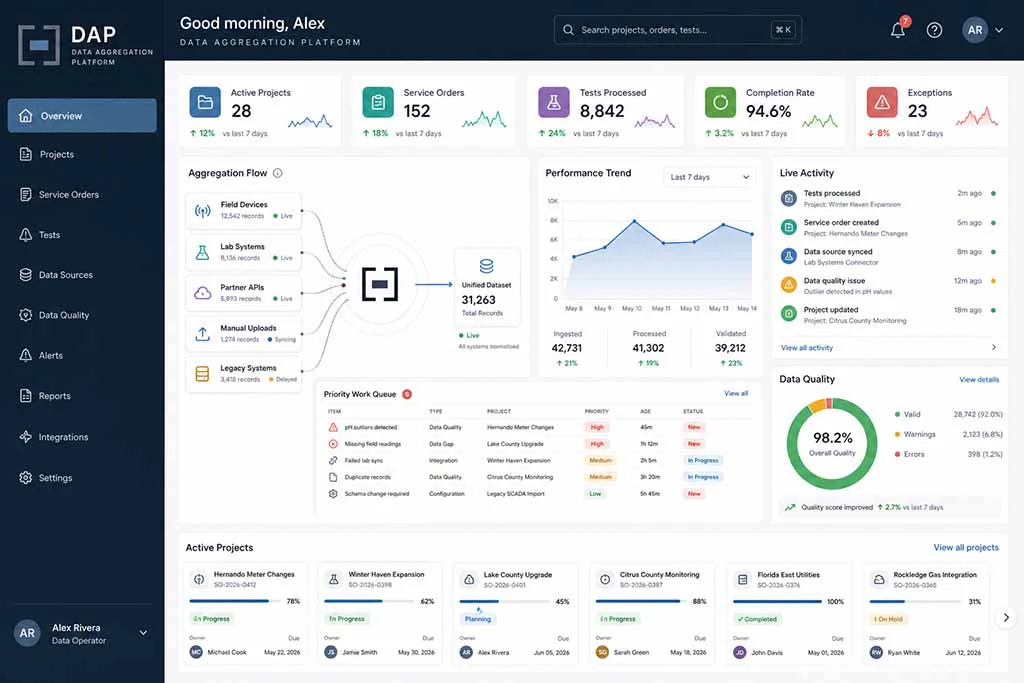
Validated service data as it is processed.
Current inventory levels and records.
Leak detections, in time to act on them.
Custom reports on the indicators you track.
Adoption
Three things a shop needs to be sure of before it puts the record somewhere new.
Moving off the machine in the back office should not feel like a leap. You can put one workflow on the platform and leave the rest where it is until you are ready.
The people asking how you store meter data are your own customers. The platform is built so that question has a straight answer.
Office, shop floor, and field crews stop working from three different versions of the same job.
FAQs
A portal for gas meter repair and utility contractor companies. It aggregates meter test data and manages completed service orders, so the work your crews already do becomes a record your business and your utility can both use.
Two. Shop Work with meter test data aggregation handles collection, validation, and analysis of gas meter test data. Field Services with Service Order Management covers assigning, tracking, and completing service tasks, built around field technician ease of use and high-quality data capture.
It is designed for the technician in the field: quick updates, task management on the phone, and validation that runs before an order can be submitted. Accuracy comes from the workflow, not from someone checking it later.
Real-time access to processed and validated data: service order completions, inventory access and tracking, leak reports, and custom reporting.
The platform runs on a secure cloud foundation following industry best practices for data protection and compliance.
Request a demo. We will walk your workflows, show where the portal fits, and come back with pricing for your size of operation.
Testimonials
“Managing service orders and ensuring accurate data capture used to be a challenge. With D.A.P., our field technicians complete their tasks efficiently, and the validated data gives us confidence in every decision we make. The Customer Portal has been an added bonus, providing real-time insights that improved our operations significantly. I can’t imagine going back to the old way of doing things.”
“The Shop Work features simplify the collection, validation, and analysis of meter test results. Automation reduced our processing time and improved the reliability of our data. Our team accesses, updates, and tracks meter test and batch management from one centralized platform, which improved communication and coordination: faster turnaround, fewer errors, a real competitive advantage.”
Contact
Send a question about workflows, back sheets, or integrations and we will answer it directly.
Next step
Thirty minutes, your batch and your back sheet. We will show where the portal fits and what it would cost for your size of operation.